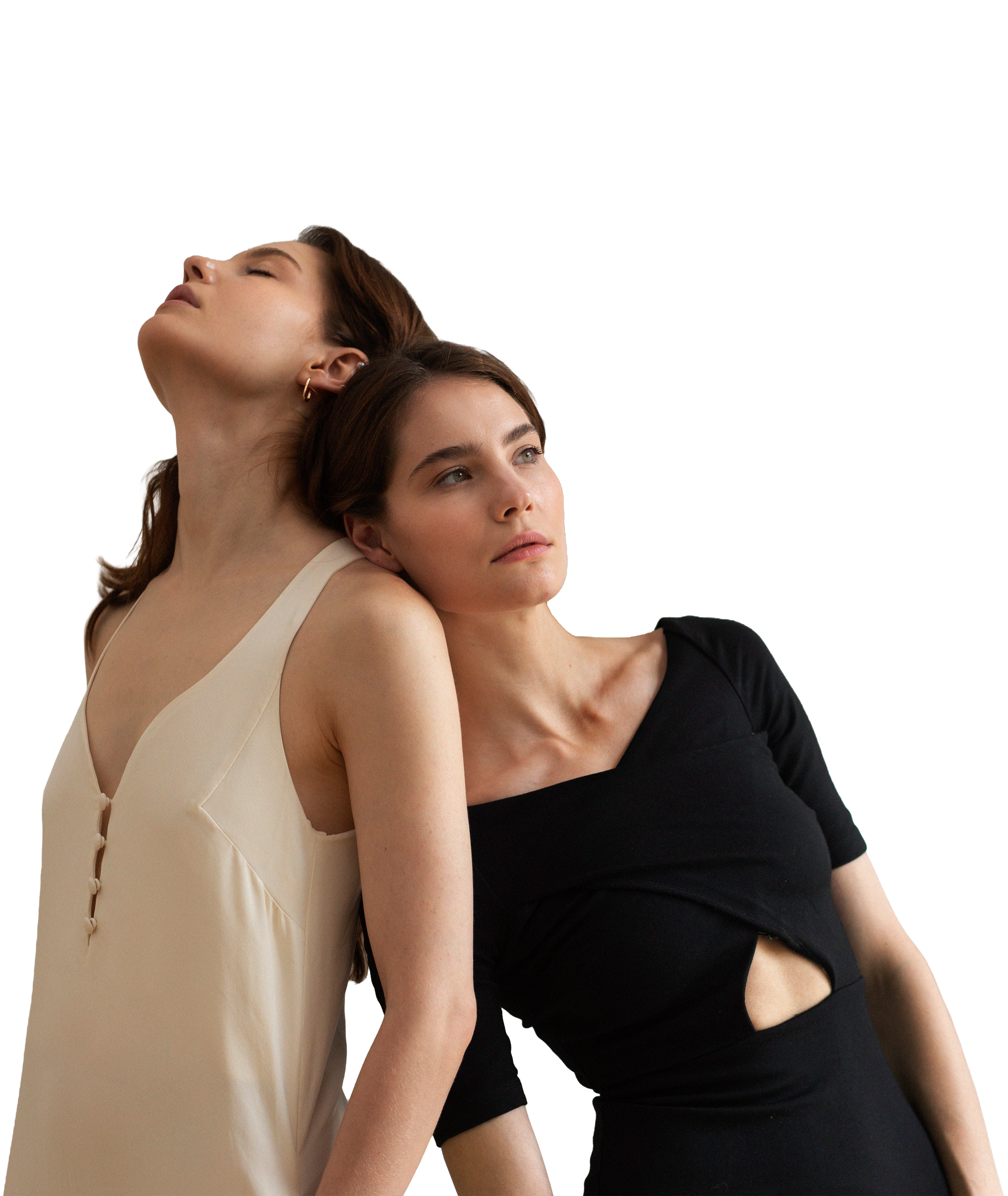
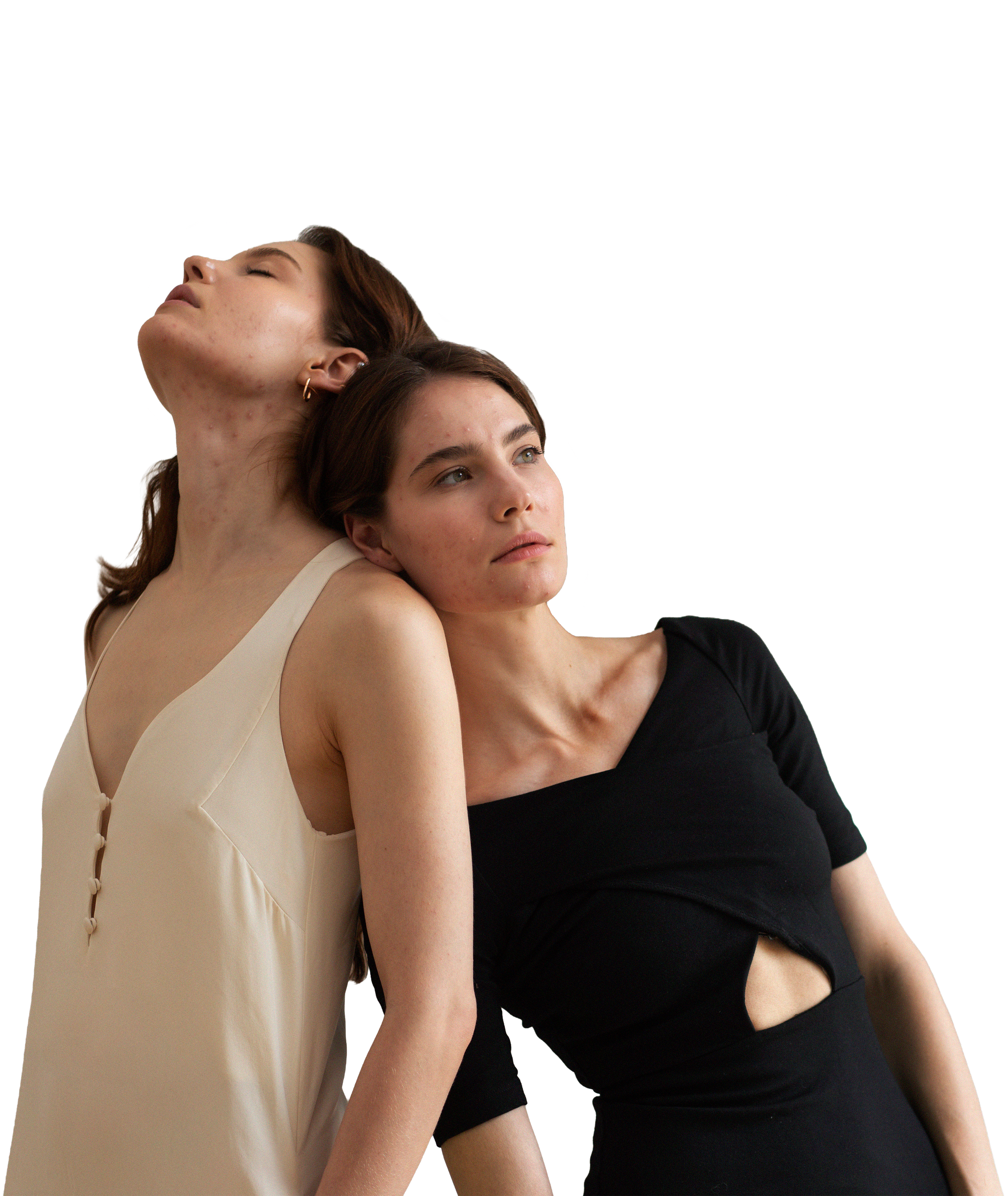
FREE AI RETOUCHING RIGHT IN WFOLIO GALLERIES
Subtle, natural retouching that preserves the emotion and atmosphere of each shot—without an overprocessed look. Fast, beautiful, and already included in your Wfolio plan at no extra cost.
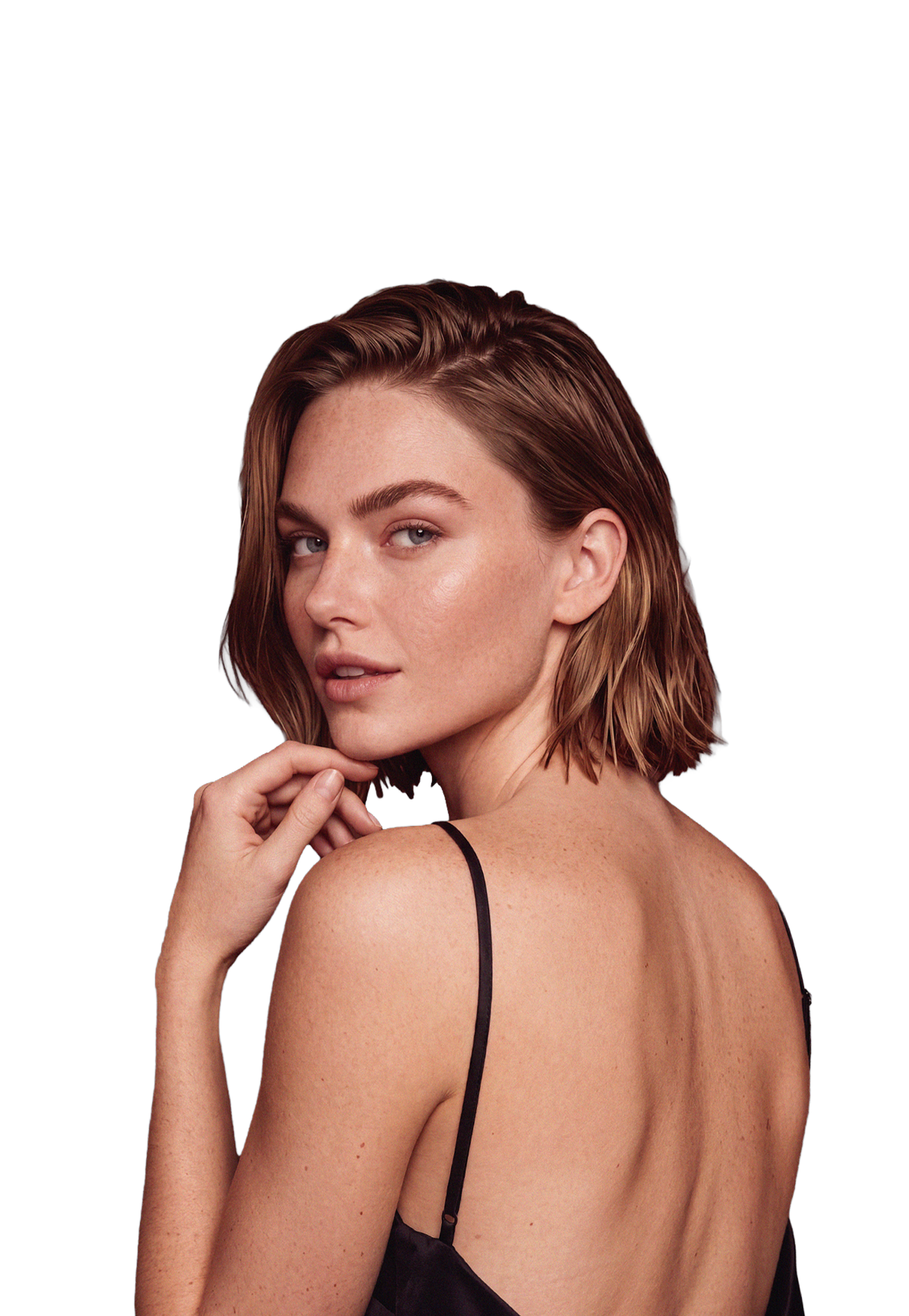
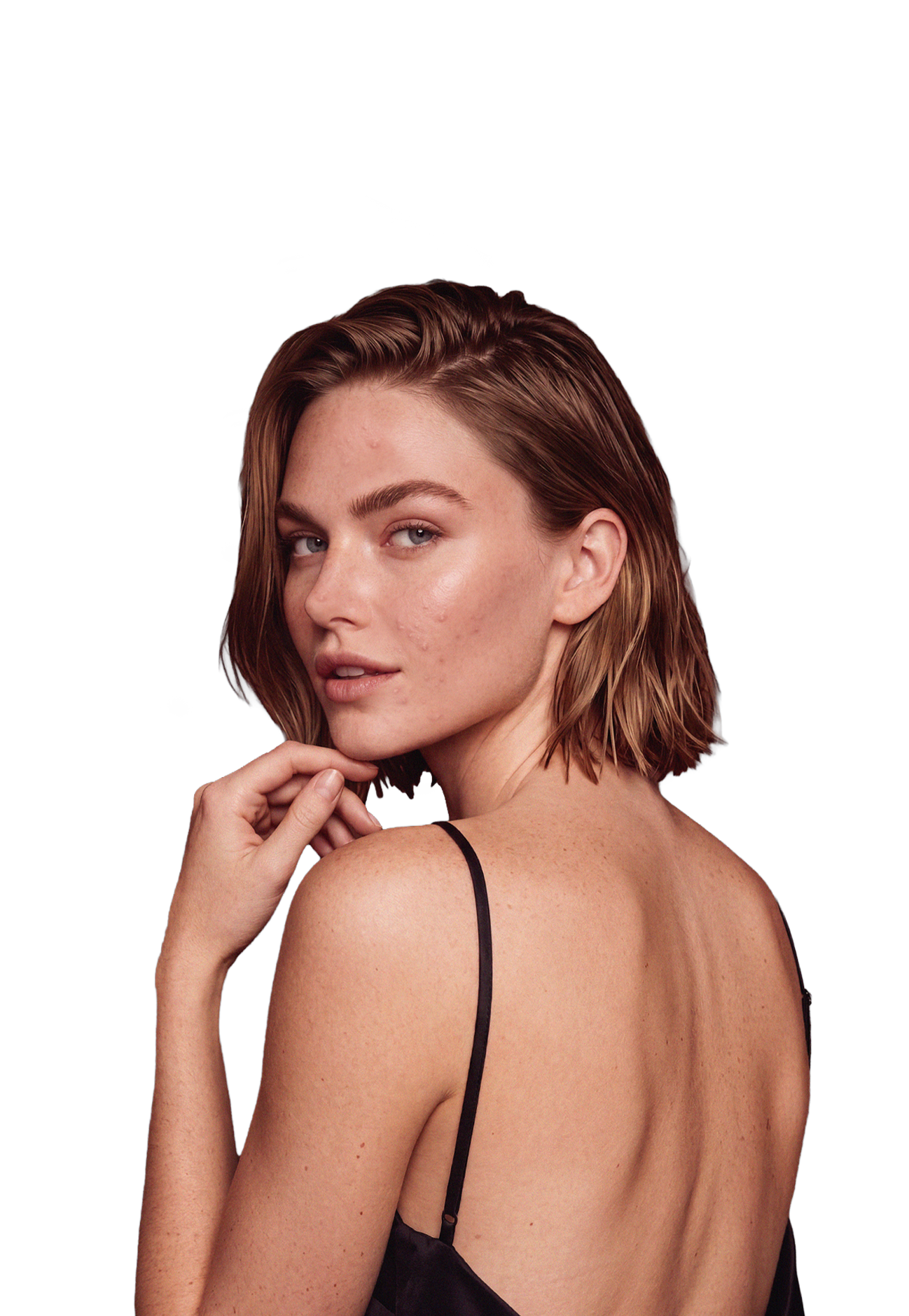
Less busywork, more time to create
01
SUBTLE
Gently enhances portraits without making skin look artificial, preserving its natural texture.
02
FAST
Spend less time editing by hand: batch retouching speeds up work on large photo sets.
03
CONVENIENT
Available right in Wfolio client galleries, with no third-party tools to install or extra steps to take.
04
FREE
There is no separate charge for this feature. It is available in galleries and included in Wfolio plans.
WHAT AI RETOUCHING CAN DO
ADJUSTMENTS
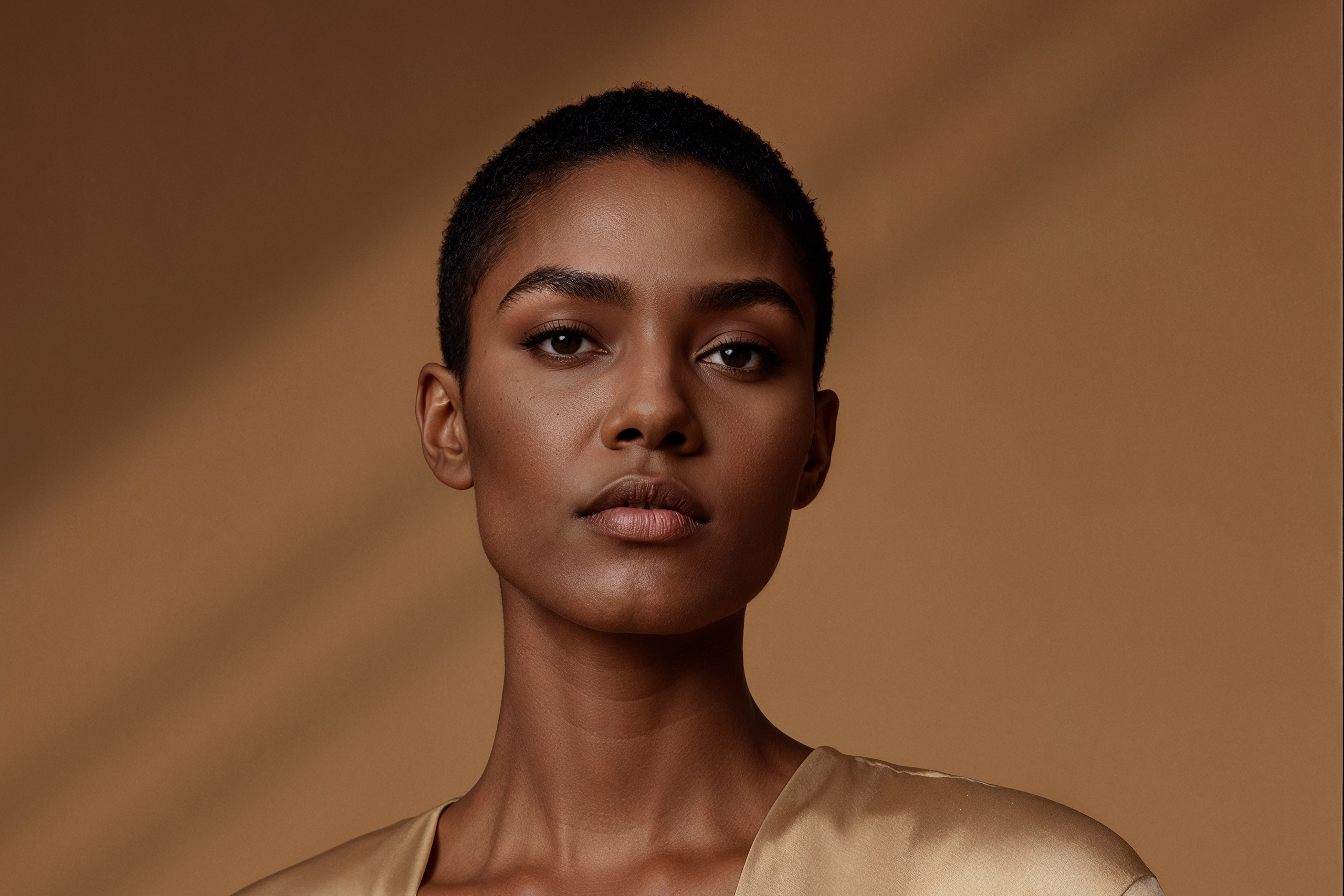
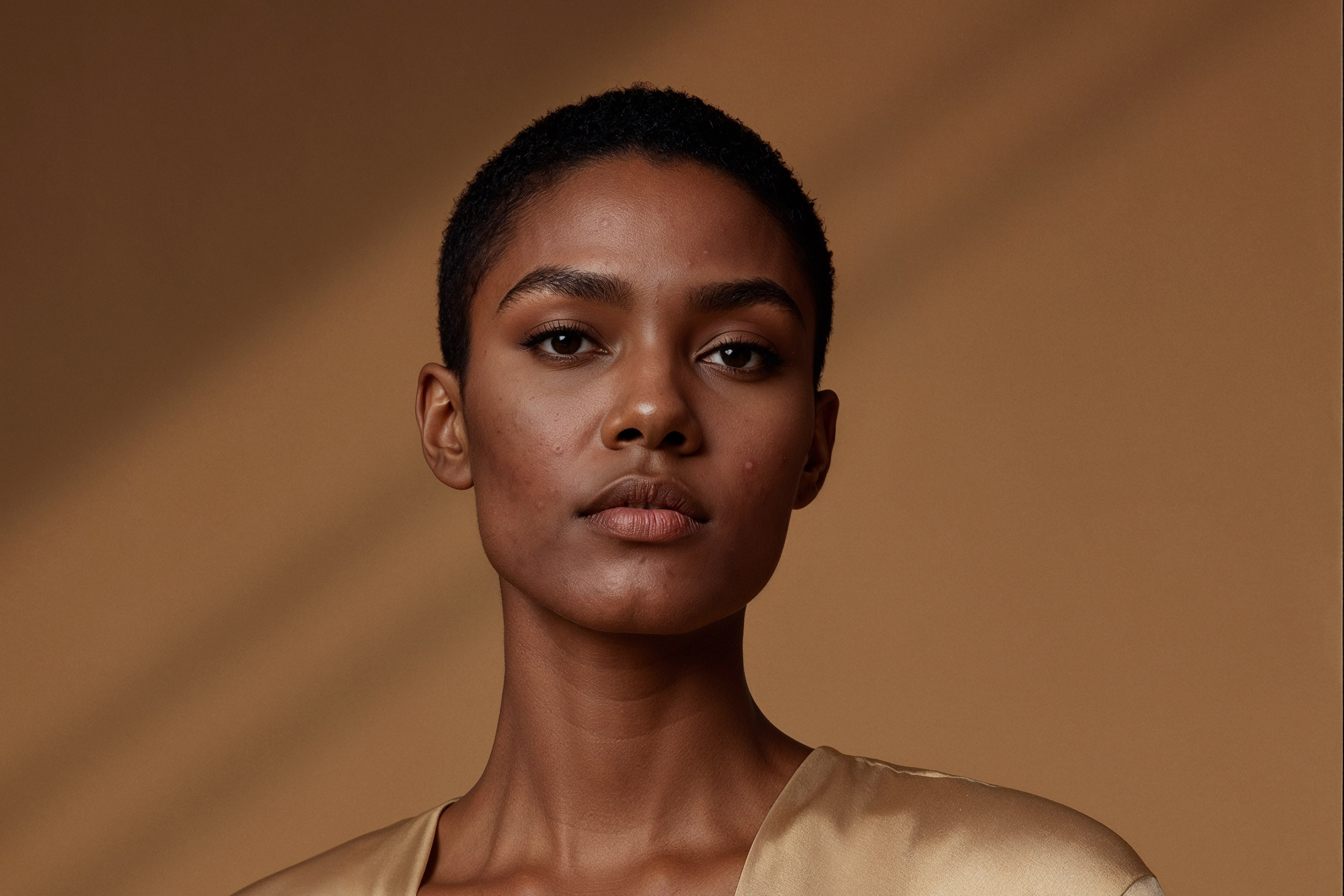
- Removes breakouts and minor blemishes
- Softens uneven highlights and shadows
- Adds depth to portraits
- Reduces skin shine
- Evens out skin tone and reduces redness
NATURAL DETAILS
Wfolio’s AI recognizes beauty marks, hair, and other distinctive features, so they stay intact after retouching.
COMING SOON
The Brush will let you manually restore details after retouching.
HOW IT WORKS
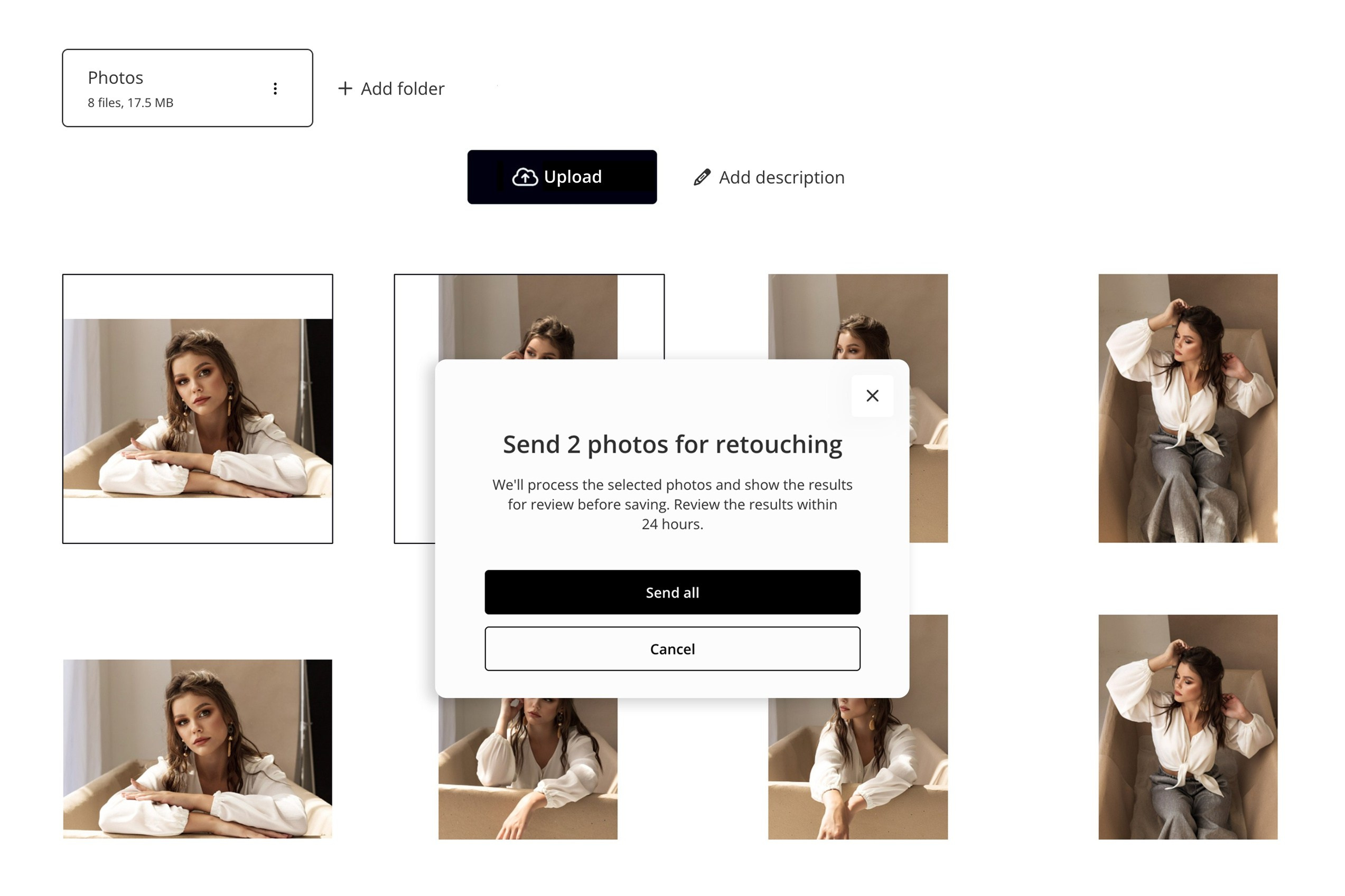
01
Upload your photos
Upload photos to your gallery as usual, select the images you want, and start AI retouching. You can retouch photos one by one or in batches.
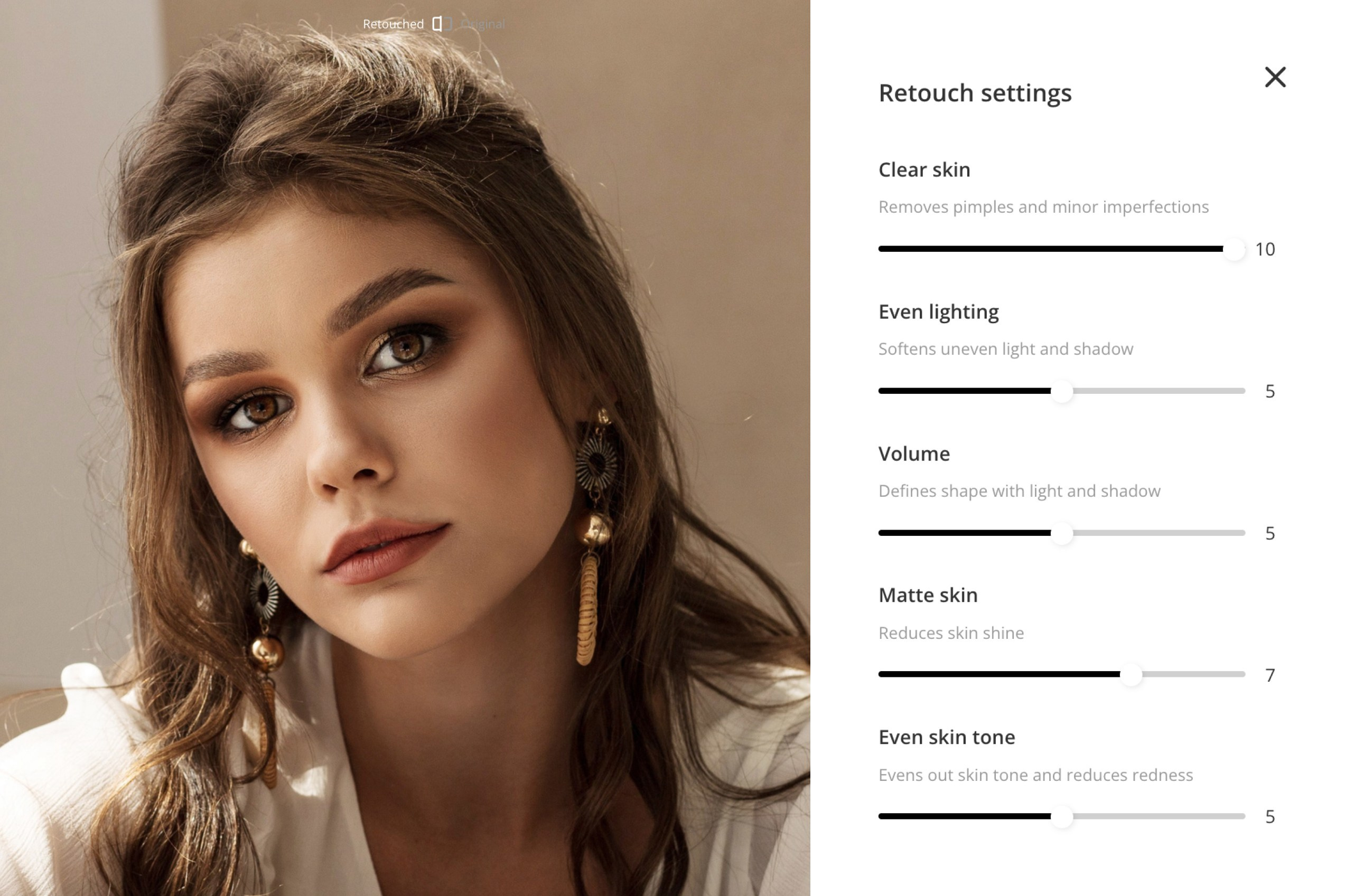
02
CHOOSE YOUR SETTINGS
If needed, fine-tune the result with sliders to adjust the intensity of the retouching. You can apply the same settings to the whole series.
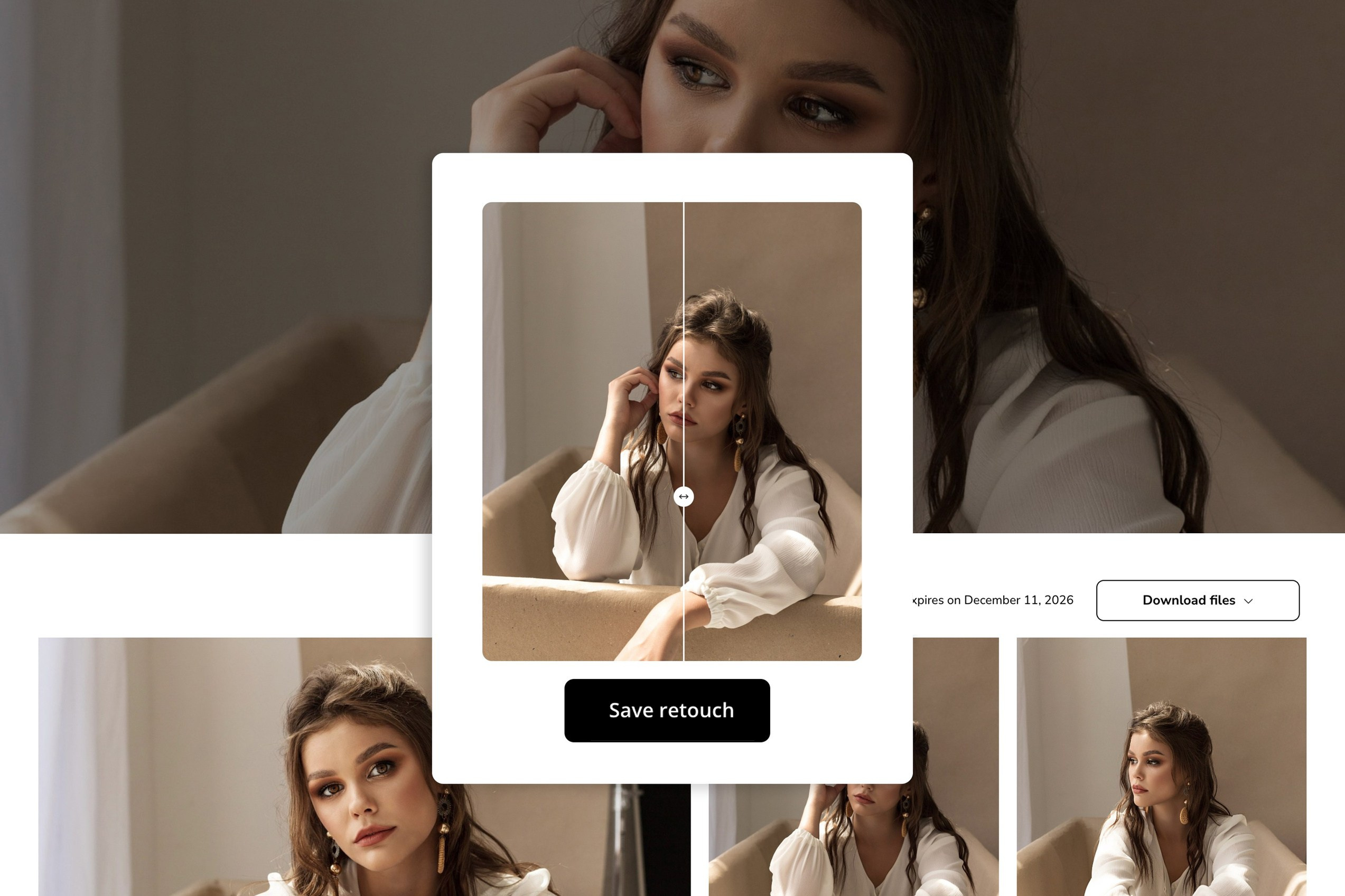
03
Deliver the photos
Save the result. Retouched photos will automatically replace the original files in the client gallery. Then send the link to your client.
Retouch a set
in one click
Retouch several photos at once to simplify work on large sets, spend less time editing, and deliver images faster. This feature is already included in Wfolio plans at no extra cost.
Works with a range of portraits
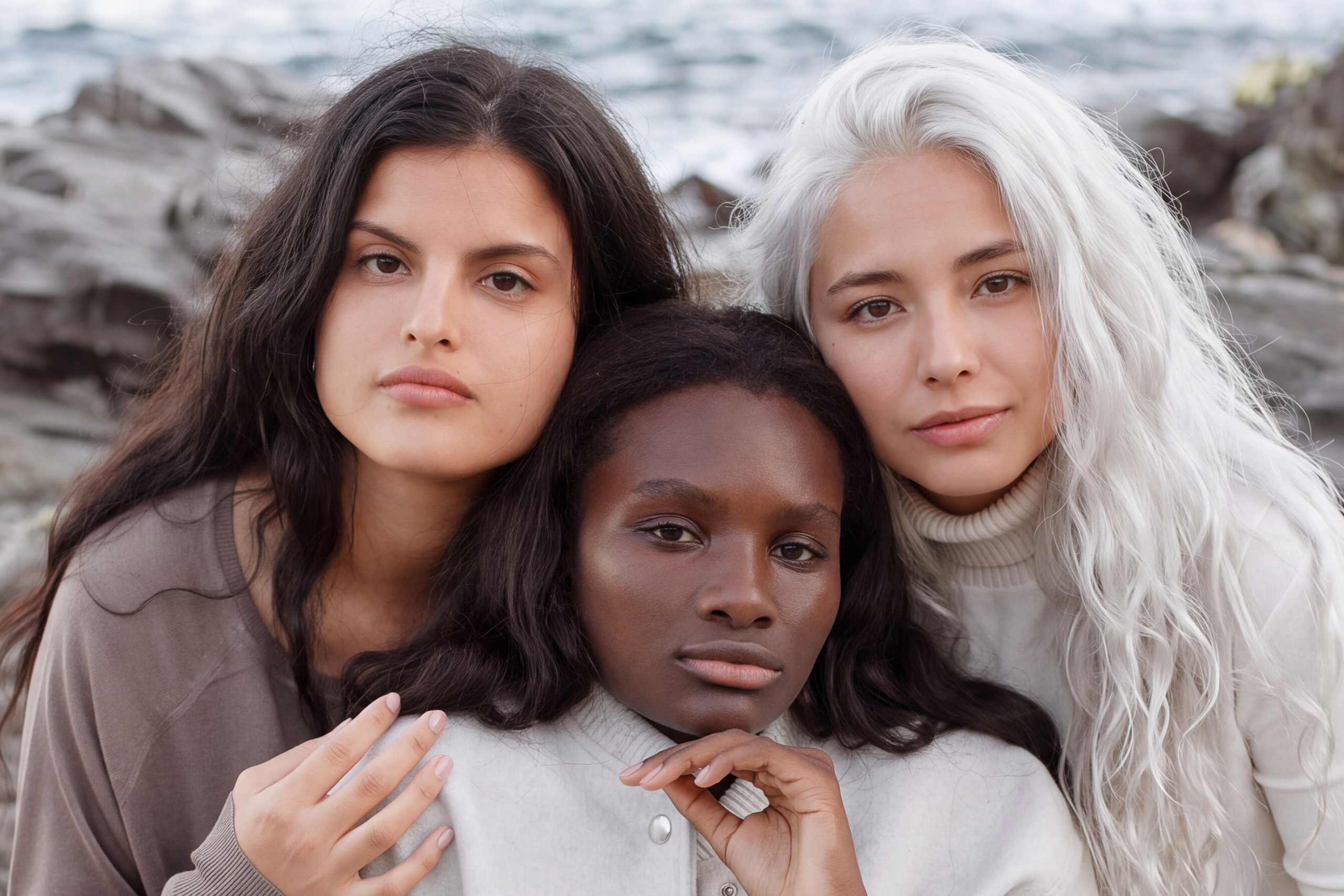
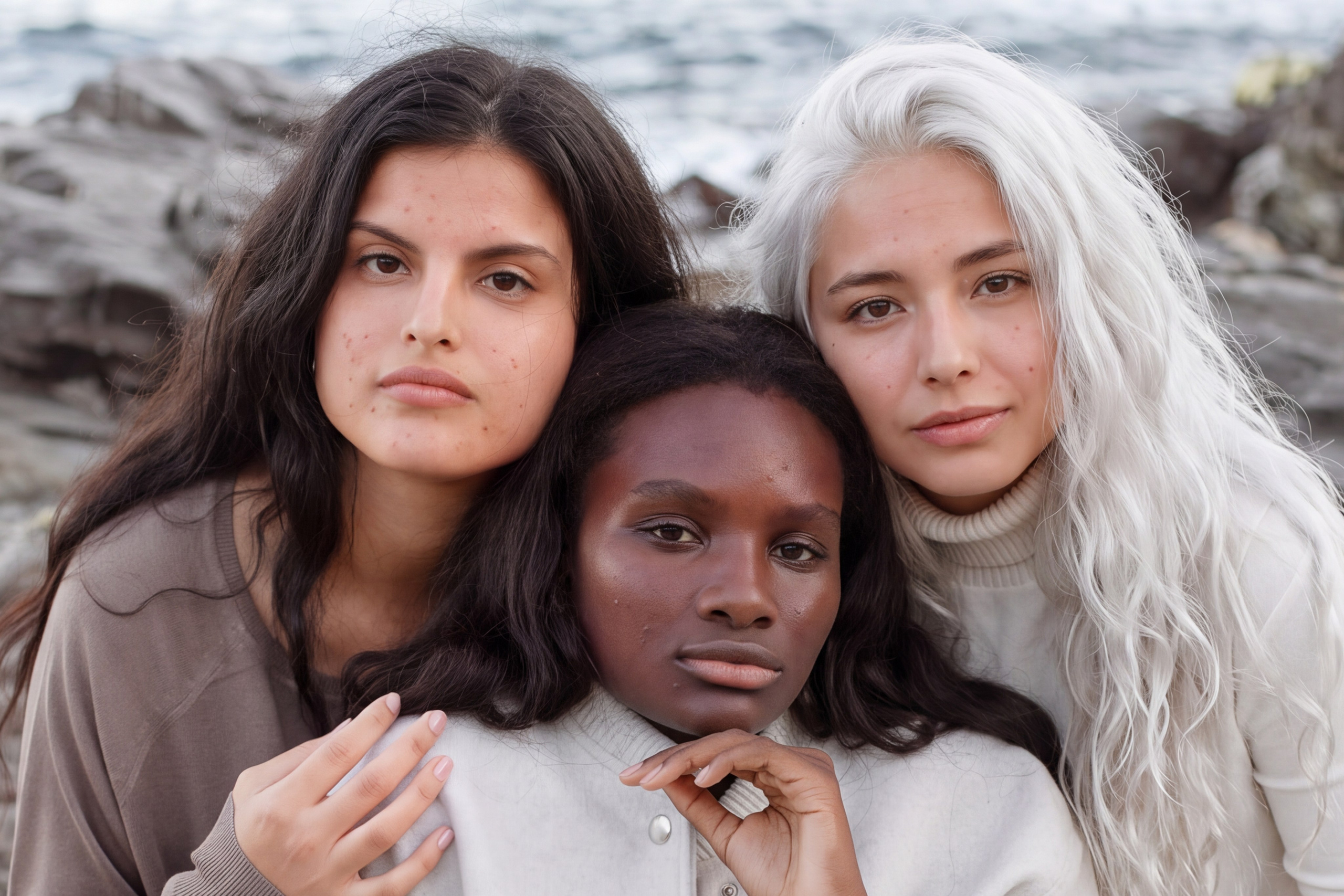
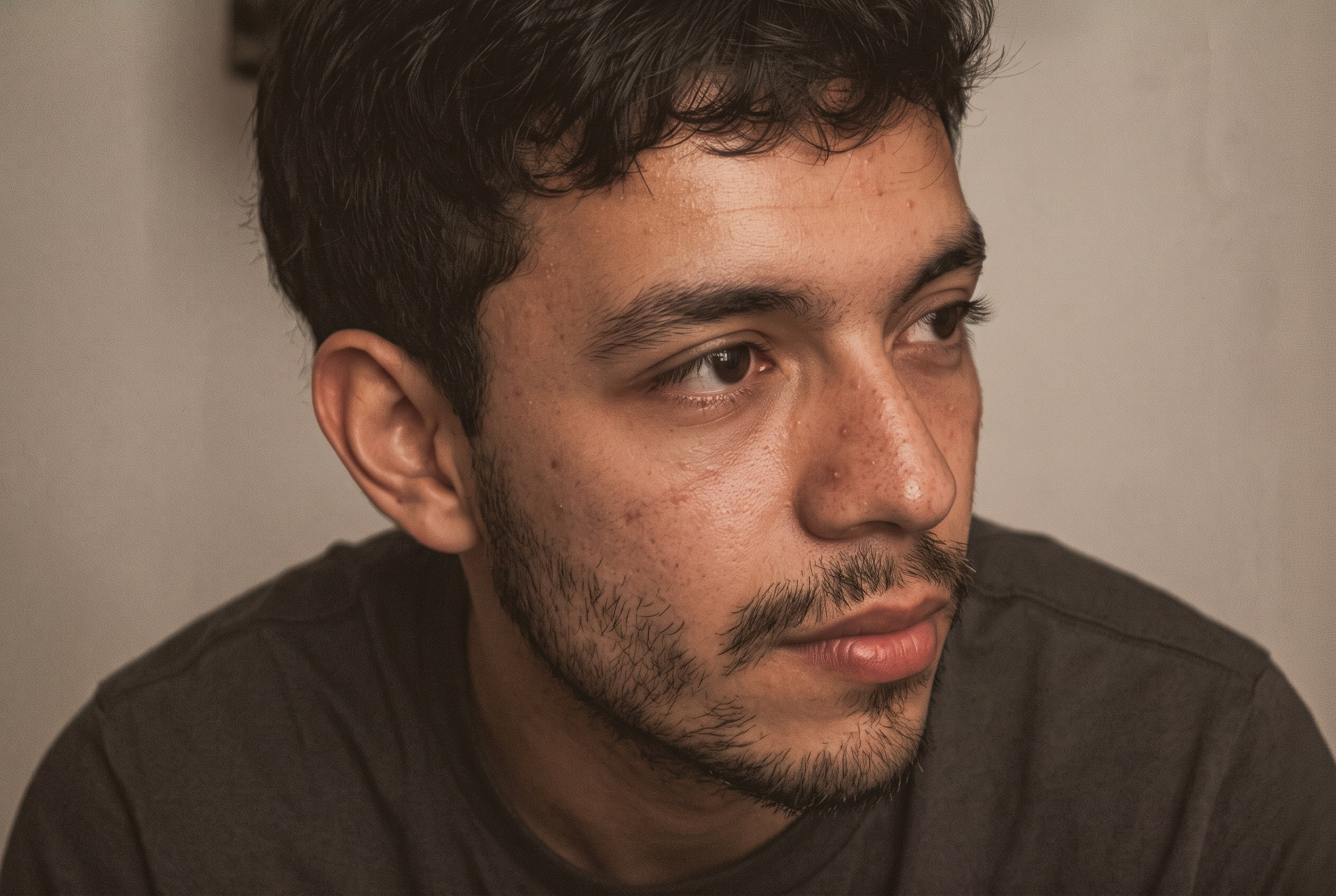
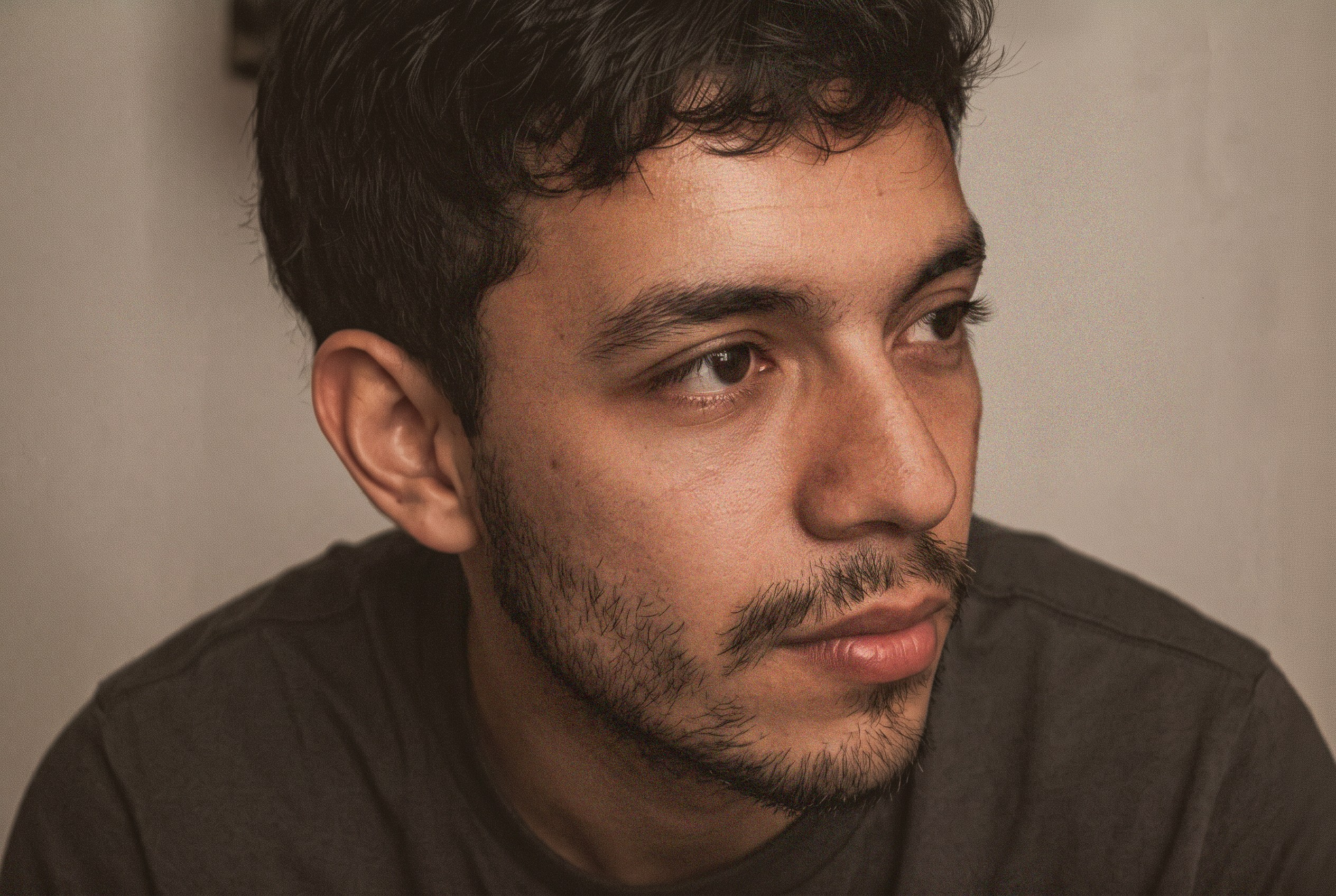
Multiple people in the frame
Stubble and skin texture
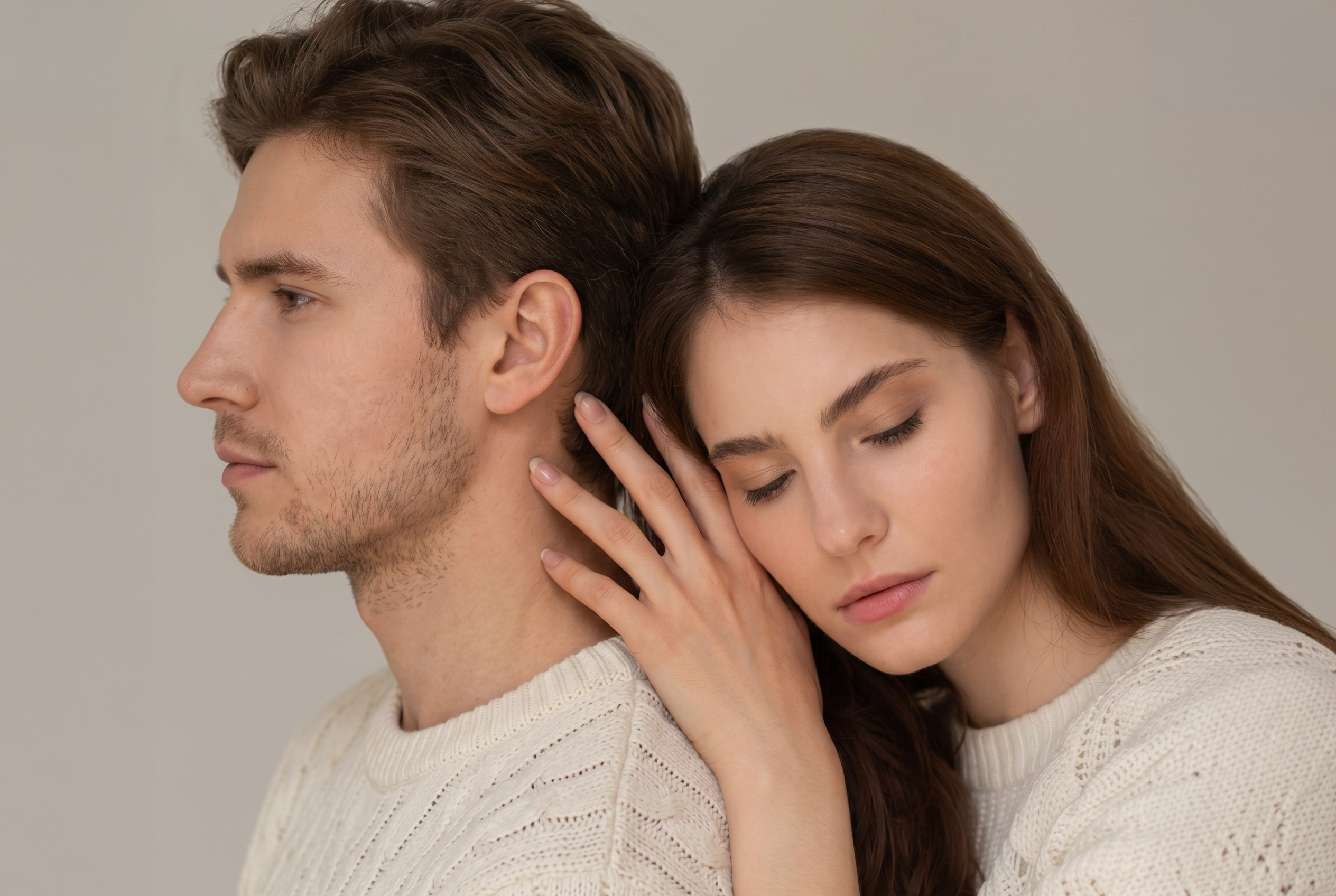
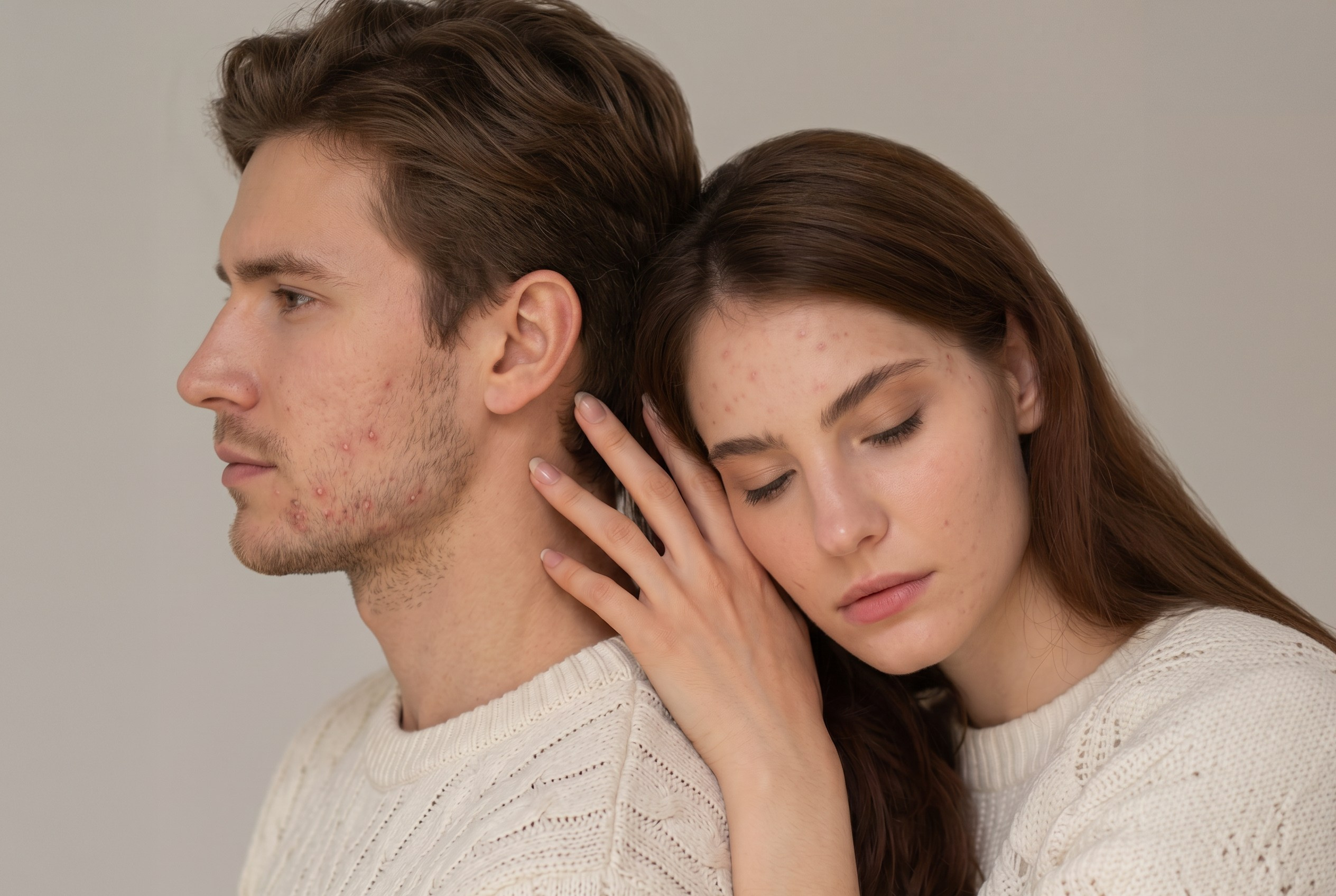
Faces in profile
Dark skin tones
FREQUENTLY ASKED QUESTIONS
If you cannot find the information you need, contact our support team or visit our knowledge base.
What can Wfolio AI retouching do?
AI retouching helps you enhance portraits quickly and subtly right in Wfolio client galleries. It removes minor skin blemishes, evens out skin tone, reduces shine, and helps create a polished, natural result.
This feature is especially useful for photographers who work with large shoots and want to deliver finished images faster: wedding, family, school, and portrait photographers, as well as those creating content for brands. AI retouching cuts down on routine editing when each image does not need detailed manual retouching.
What AI retouching settings are available?
Use the sliders to fine-tune each photo or match your style. Adjust blemish removal, soften highlights and shadows, add depth, reduce shine, and even out skin tone.
Can I retouch several photos at once?
Yes. Wfolio supports batch retouching, so you can process a series of images at once. This is useful for large shoots and saves time on routine editing.
Batch retouching is available on Premium plans.
Which plans include AI retouching?
AI retouching is available on all Wfolio plans.
On Free and trial plans, you can retouch individual photos and save up to 10 per week. The limit resets every Monday, and a photo counts only after it is saved successfully. You can see your remaining allowance in the sidebar.
Standard and Pro plans include individual AI retouching with no weekly limit.
The Premium plan includes batch AI retouching.
Does AI retouching replace manual editing?
AI retouching helps you improve portraits quickly and remove minor imperfections, but it does not replace detailed creative editing. If a photo needs work on the background, clothing, body shape, or artistic style, those changes are best made manually in an editor.
Is AI retouching built into Wfolio?
Wfolio’s AI retouching is built into galleries and doesn’t rely on third-party services. Changes to outside platforms won’t interrupt your workflow, so you have a tool you can count on.
What features are planned for future updates?
We are continuing to develop AI retouching and plan to add more tools for flexible editing: a Brush for restoring specific details, additional settings, and other ways to process photos quickly.
We will announce new features when they become available.
TRY AI RETOUCHING ON YOUR PHOTOS
Enhance portraits quickly and naturally right in your Wfolio gallery. Get beautiful results at no extra cost: AI retouching is already included in Wfolio plans.